
Jessy obrien
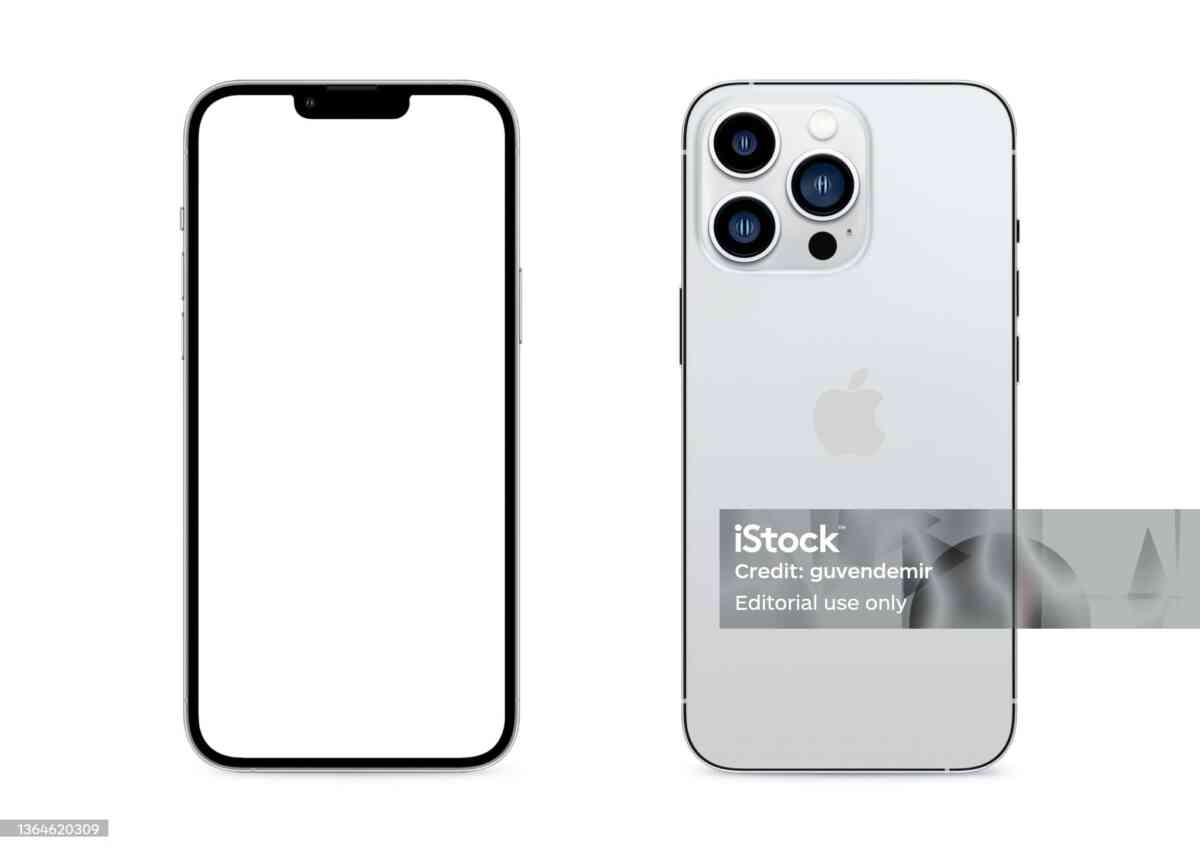
Smartphone photography has reached a level where you can shoot magazine-quality images using just your phone. With devices from Apple Inc.—especially models like the iPhone 16 Pro Max—you already have a powerful camera in your pocket.
But here’s the truth: great photos don’t come from the camera alone—they come from technique.
This complete guide will teach you how to take professional-level photos using your iPhone, even if you’re a beginner.
📸 Understanding Your iPhone Camera System


Modern iPhones come with multiple lenses:
Main Lenses:
- Wide lens – best for everyday photography
- Ultra-wide lens – perfect for landscapes
- Telephoto lens – great for zoom and portraits
Built-in Features:
- Night Mode
- HDR (High Dynamic Range)
- Portrait Mode
- Smart HDR & AI enhancements
Understanding when to use each lens is the first step to professional photography.
🌞 1. Master Lighting (The Most Important Rule)


Lighting can make or break your photo.
Best Practices:
- Shoot during golden hour (sunrise/sunset)
- Avoid harsh midday sunlight
- Use natural light whenever possible
Pro Tip:
Position your subject so light hits from the side for depth.
🎯 2. Use the Grid for Perfect Composition


Rule of Thirds:
Divide your frame into 9 sections and place your subject along the lines.
How to Enable:
- Settings → Camera → Turn on Grid
Result:
✔ More balanced and professional photos
📷 3. Focus & Exposure Control


How It Works:
- Tap on subject to focus
- Slide up/down to adjust brightness
Pro Technique:
Use AE/AF Lock to keep focus stable.
🌙 4. Use Night Mode Properly


Tips:
- Keep your phone steady
- Use a tripod if possible
- Avoid moving subjects
Result:
✔ Bright, detailed low-light photos
🧍 5. Master Portrait Mode


Benefits:
- Blurred background (bokeh effect)
- Focus on subject
Pro Tips:
- Keep subject 1–2 meters away
- Use clean backgrounds
🔍 6. Avoid Digital Zoom


Why:
Digital zoom reduces quality.
Instead:
- Move closer
- Use telephoto lens
🎨 7. Use Photographic Styles


Options:
- Standard
- Vivid
- Warm
- Cool
Benefit:
Customize your photo look instantly.
📐 8. Keep Your Lens Clean


Simple but Powerful:
A dirty lens can ruin image quality.
Tip:
Clean with microfiber cloth before shooting.
🖼️ 9. Shoot in Burst Mode


Best For:
- Action shots
- Moving subjects
How:
Hold shutter button
🎥 10. Record Like a Pro (Video Tips)


Tips:
- Use 4K resolution
- Keep movements slow
- Use stabilization
Bonus:
Try Cinematic Mode for professional storytelling.
🧠 Advanced Pro Tips
1. Use Third-Party Apps
Apps like:
- Manual camera apps
- Editing tools
2. Shoot in RAW (Pro Mode)
✔ More editing flexibility
3. Edit Your Photos
Use built-in editor:
- Adjust brightness
- Contrast
- Sharpness
📊 Before vs After: Real Improvement
With these tips:
- Photos look sharper
- Colors become richer
- Composition improves
- Lighting becomes cinematic
🎯 Common Mistakes to Avoid
❌ Overusing filters
❌ Shooting in bad lighting
❌ Shaky hands
❌ Ignoring composition
❌ Using digital zoom
🏁 Final Thoughts
Your iPhone is already a powerful camera—you just need to unlock its full potential.
Even without professional equipment, you can take stunning photos using devices like the iPhone 16 Pro Max by applying the right techniques.
Master these skills, and your photos will stand out on:
- Blogs
- Business content

